What does automating a vacation rental actually mean?
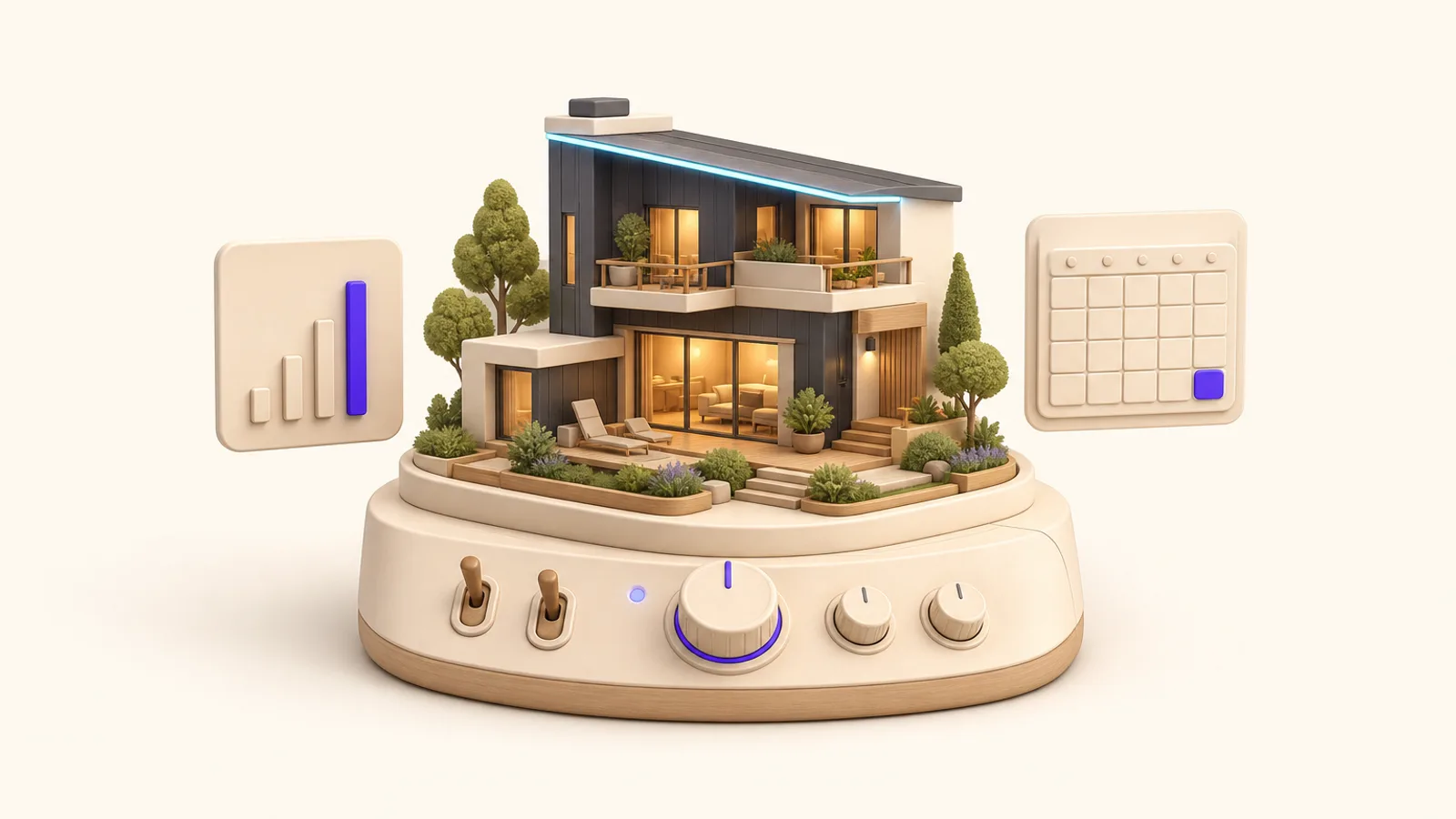
Real automation means one command center (a property management system configured around your operation) running the repetitive half of the business: guest messaging from confirmation to review request, calendar sync across every channel, cleaner scheduling triggered by checkouts, agreements, deposits and pricing updates. What stays human is hospitality judgment.
There's a moment every growing host hits. Three channels, a second property, a cleaner to coordinate, and suddenly you're answering the same check-in question for the ninth time this month while on vacation yourself. The listing was supposed to be an investment. It's behaving like a job with irregular hours.
The fix isn't discipline or a better checklist. It's moving the repetitive half of the operation into software, properly. A fully configured command center saves owners 4-12 hours per week on average across Fullyo client engagements. Here's what that setup actually consists of, and why so many attempts at it stall.
The core: one dashboard, every channel
The foundation of an automated operation is a property management system acting as a single source of truth. Every listing (Airbnb, Vrbo, Booking.com, your direct site) connects to it, and four things start happening:
- One calendar. A booking anywhere closes those dates everywhere, in real time. Double-bookings stop being a thing you prevent manually.
- One inbox. Guest messages from every platform land in a single thread view. No more app-hopping to find who asked about early check-in.
- Automated messaging. Confirmation, pre-arrival details, check-in instructions, mid-stay check-in, checkout reminder, review request, written once, personalized and sent on schedule, every stay.
- Operations on triggers. A checkout schedules the cleaner. A booking generates the rental agreement and holds the deposit. Nothing depends on you remembering.
This is also what makes multi-channel distribution practical. Five channels without a command center is chaos; with one, it's roughly the workload of a single channel.
Trigger Automated action
A new booking lands
Rental agreement generated, damage deposit held, confirmation sent
Three days before arrival
Pre-arrival details and check-in instructions go out
A checkout completes
The cleaner's schedule fills in automatically
A booking lands on any channel
Every other calendar closes those dates in real time
A stay ends
The review request sends itself
Why do most automation attempts stall?
Here's the pattern: an owner signs up for a property management system, gets the standard vendor onboarding (a handful of short training sessions that show where the buttons are), connects one channel, automates two messages, and stops. Months later they're paying for software they use at a fraction of its capacity, still doing manually what the system was bought to do.
The gap isn't the software. It's that software training and business setup are different jobs. Where the buttons are is the easy part; the hard part is configuring the system around your actual operation: your properties, your cleaners' schedules, your deposit policy, your owner reporting, your edge cases. That's the work vendor onboarding doesn't do, and it's the difference between owning a dashboard and running one.
The typical way vs. the Fullyo way
The typical way
- Standard software onboarding: a few short sessions on where the features live.
- The owner is left to configure properties, channels, automations and policies alone.
- Two message templates get automated; the rest stays manual “for now,” forever.
- Each platform still managed separately, with the PMS as one more tab.
The Fullyo way
- Deep onboarding done with you: longer sessions, sequenced, until the system runs your real workflows.
- The full business configured: properties, calendars, channels, booking flows, agreements, deposits, cleaner scheduling, owner workflows.
- The complete guest lifecycle automated, from booking confirmation to review request.
- Every channel and your direct site wired into one calendar and one inbox: zero double-bookings.
The philosophy difference is simple: we set up the business, not just the software. A dashboard nobody configured is a subscription. A configured one is staff.
What should you automate first (and what not)?
If you're doing this incrementally, the order that pays fastest:
- Calendar sync across all channels: the highest-stakes automation, since it eliminates double-bookings.
- The guest message sequence: confirmation through review request. Biggest hourly savings, immediate consistency win.
- Agreements and deposits: removes the most awkward manual chase in the business.
- Cleaning and turnover scheduling: checkouts trigger cleaners automatically.
- Dynamic pricing integration: so rates track the market without weekly manual review.
And what not to automate: judgment. The guest whose flight was cancelled, the neighbor complaint, the review that needs a careful reply. Automation buys you the time to handle those personally, which is where hospitality reputations are actually made.
Calendar sync across all channels
Highest stakes first: double-bookings stop being possible.
The guest message sequence
Confirmation through review request: the biggest hourly savings.
Agreements and deposits
Removes the most awkward manual chase in the business.
Cleaning and turnover scheduling
Checkouts trigger cleaners automatically.
Dynamic pricing integration
Rates track the market without weekly manual review.
A week, before and after
The abstract case is easy to nod along to, so make it concrete. Before: Monday starts with three platform inboxes and a missed message from Saturday. A guest asks for the door code, you type it out for the ninth time. The cleaner texts asking about Thursday's checkout. You update the Vrbo calendar by hand because last month's near-double-booking still scares you. Total: a couple of hours of fragmented, reactive admin, every day, forever.
After: the same Monday opens with one inbox, mostly empty because confirmations, directions and door codes sent themselves. The cleaner's schedule filled in automatically when the weekend checkouts landed. The calendars can't drift. They're one calendar. What's left is the work only you can do: a pricing decision, a thoughtful reply to an unusual request, a plan for the shoulder season. Same business, different job.
4-12 hrs
Saved per week on average across Fullyo client engagements once the full command center is live, and the work that remains is scheduled, not reactive.
The compounding part
The hours are the headline, but the durable benefit is that an automated operation scales sideways. Property two costs a fraction of property one's effort. A new channel is a connection, not a new job. Owners with a live command center run five or more channels, with up to twelve platforms in reach, off one calendar. And the guest data flowing through one system (every email, every stay) becomes the fuel for the direct booking growth engine that lifts your margins over time.
That's the real case for doing this properly: not convenience, but capacity. You can't grow an operation that consumes you at its current size. Configuring that system around a real operation (set up as a business, not a software trial) is what our command center service does; the sequence above is the same one to follow if you build it yourself.
Frequently asked questions
- What can actually be automated in a vacation rental?
- More than most owners expect: guest messaging from booking confirmation through post-stay review requests, calendar sync across every channel, cleaner scheduling triggered by checkouts, rental agreements and damage deposits, dynamic pricing updates, and review collection. What stays human is hospitality judgment: the edge cases and the personal touches.
- Do I need a property management system for one or two properties?
- If you're on multiple channels or plan to be, yes: the unified calendar and inbox alone justify it. Even at one property, automated messaging and agreements remove the always-on-call feeling that burns owners out. The setup effort is the barrier, which is exactly the part that can be done for you.
- How many hours does automation actually save?
- Across Fullyo client engagements, owners save 4-12 hours per week on average once the full command center is live. The range depends on property count and how manual the previous setup was. The bigger change is qualitative: the work that remains is scheduled, not reactive.